Edit a phishing email
Subject, sender, body, attachment, difficulty and the page the link opens.
Written By Ignace
Last updated 21 days ago
Open any email from Content to edit it. Built-in emails need Duplicate to edit first.
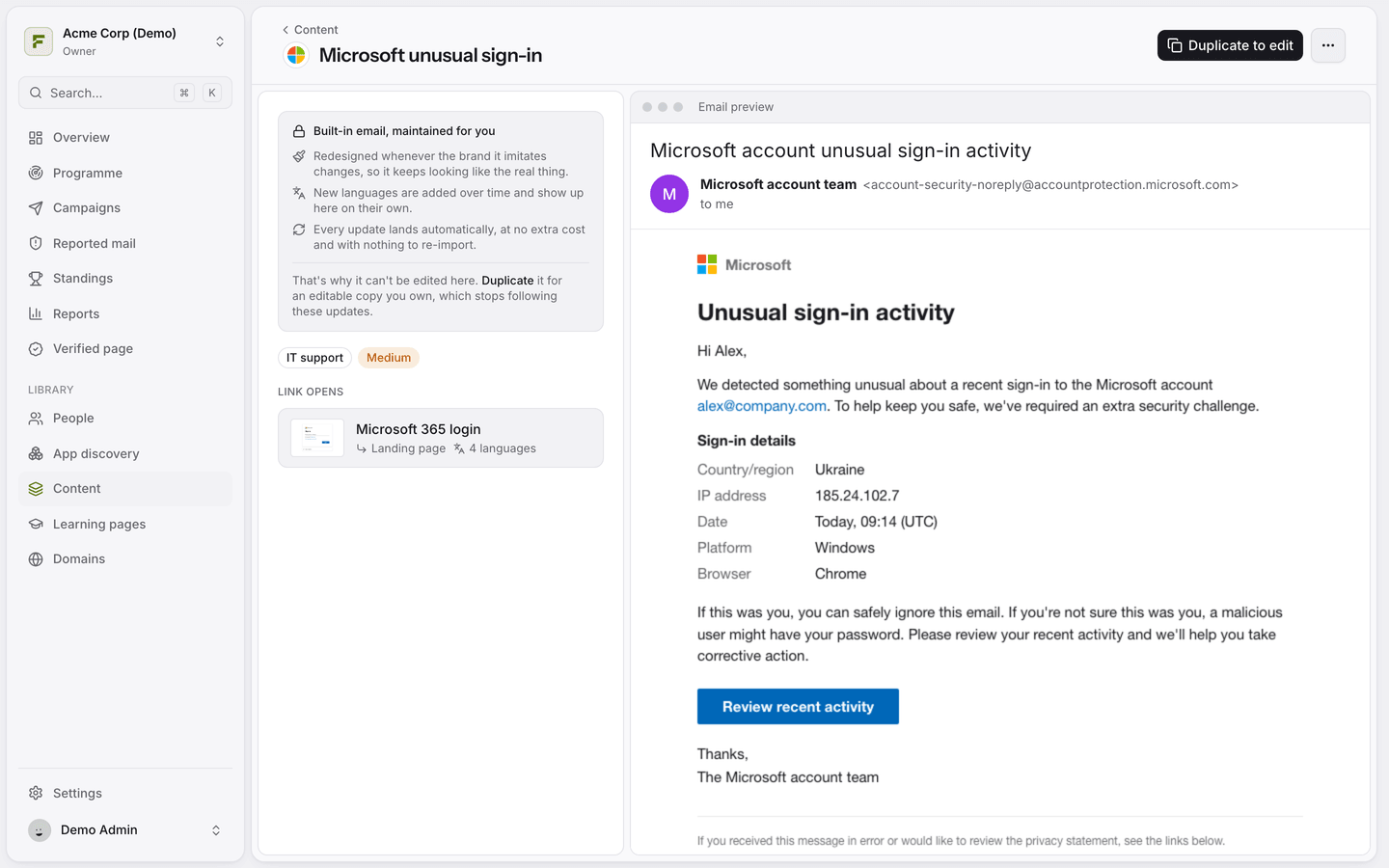
The fields
Subject and From name: what people see in their inbox.
From address: a local part plus a domain. The picker offers the brand's own domain and your verified domains, and you can type any other domain. See Choose the sender address.
Body: the HTML of the email. Use
{{link}}wherever the tracked link should go.Attachment (optional): a decoy HTML file. Opening it counts as a click.
Classification
Category: where the email sits in the library.
Difficulty: easy, medium or hard. The Programme uses this to give stronger people harder lures.
Brand and destination
Brand groups the email with matching landing pages.
Destination is the landing page a click opens by default. A campaign can override it.
Personalise with merge tags
Type {{ in the editor to see the available tags, such as {{firstName}}, {{department}} or {{deadline}}. They are filled in per person at send time. See Merge tags reference for the full list.
Try it on yourself
Click Send test to me to receive the email in your own inbox, exactly as an employee would.
Was this helpful?
Still need help? Ask the team