The content library
Ready-made phishing scenarios, shelved by the service they imitate.
Written By Ignace
Last updated 21 days ago
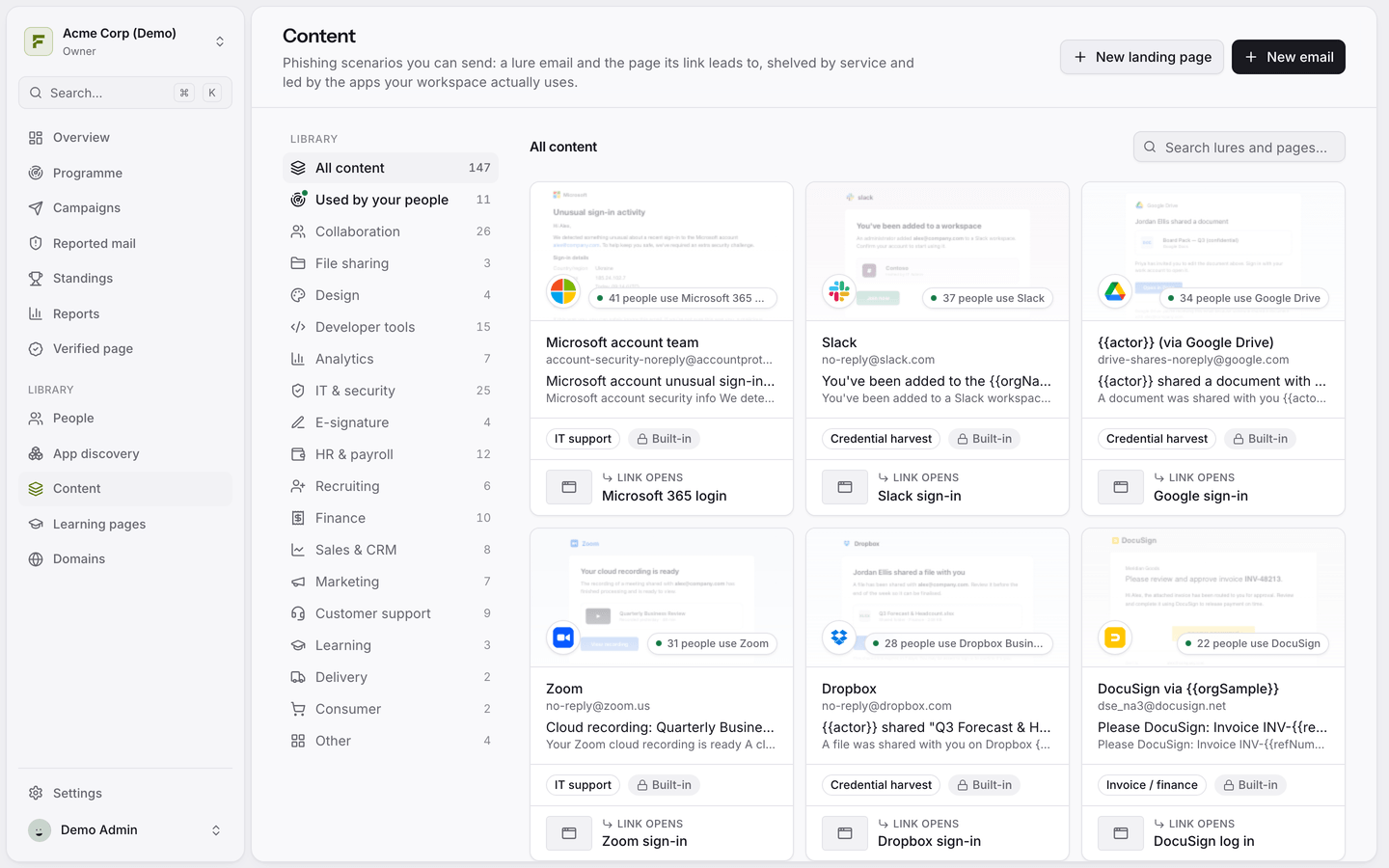
Open Content to see every phishing scenario you can send. A scenario is a lure email plus the page its link leads to, grouped by the service it imitates.
Finding the right lure
Use the shelves on the left to browse by category, such as Collaboration, File sharing, HR & payroll or Finance.
Used by your people puts lures first that imitate apps your employees actually use. This needs App discovery.
Each card shows the sender, subject, category and which landing page the link opens.
Built-in versus your own
Built-in content is maintained by Fallax and is read-only. To change one, open it and click Duplicate to edit. That gives you a private copy for your workspace. If you change your mind, Revert to built-in throws away your edits and translations.
Create from scratch
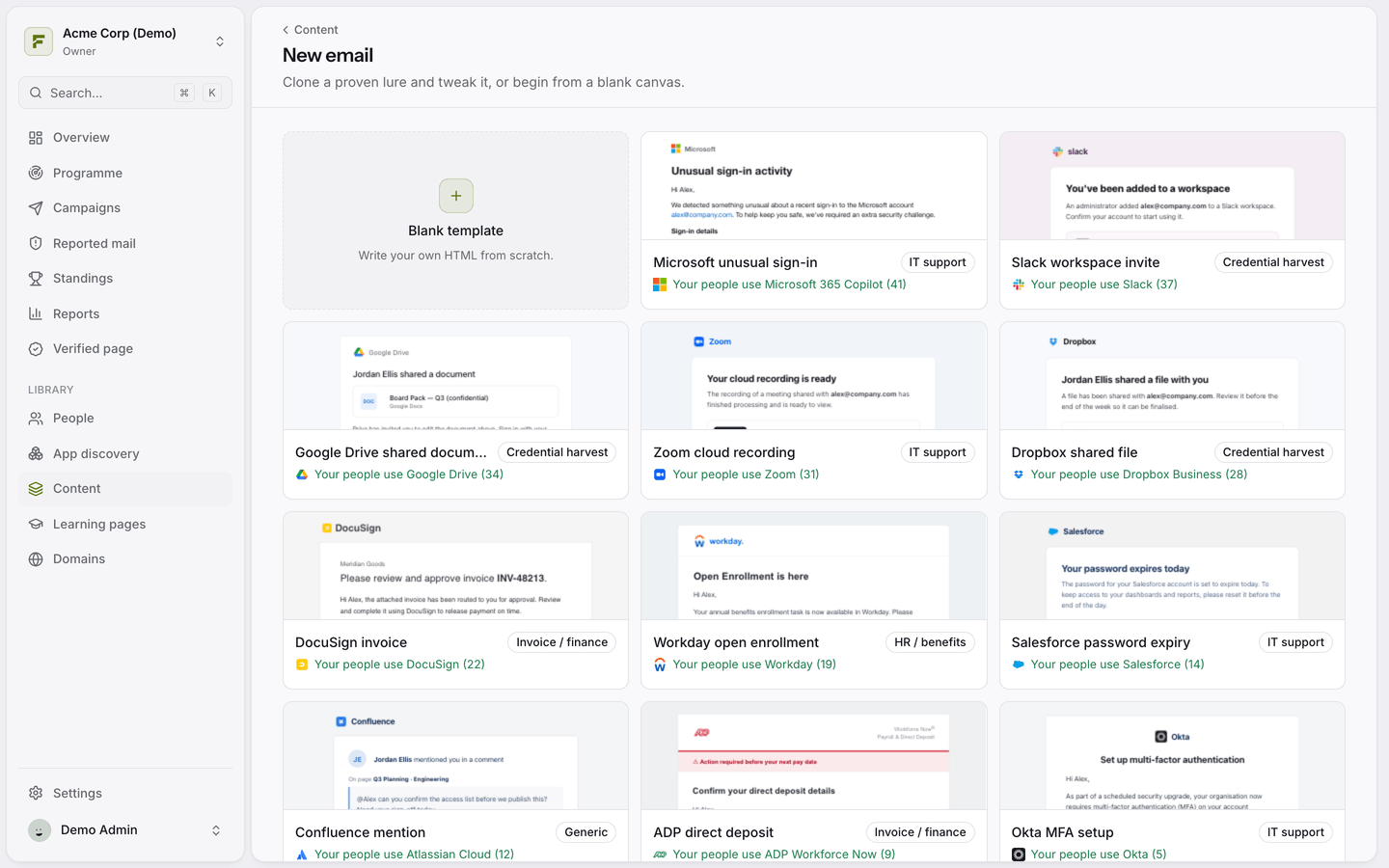
Click New email or New landing page. You can start from one of the ready-made designs or from a blank template.
Was this helpful?
Still need help? Ask the team