Landing pages
The page a simulation link opens, and why it can never capture a real password.
Written By Ignace
Last updated 21 days ago
A landing page is what someone sees after clicking a simulation link, usually a copy of a familiar sign-in page. Fallax pairs each built-in email with a matching page.
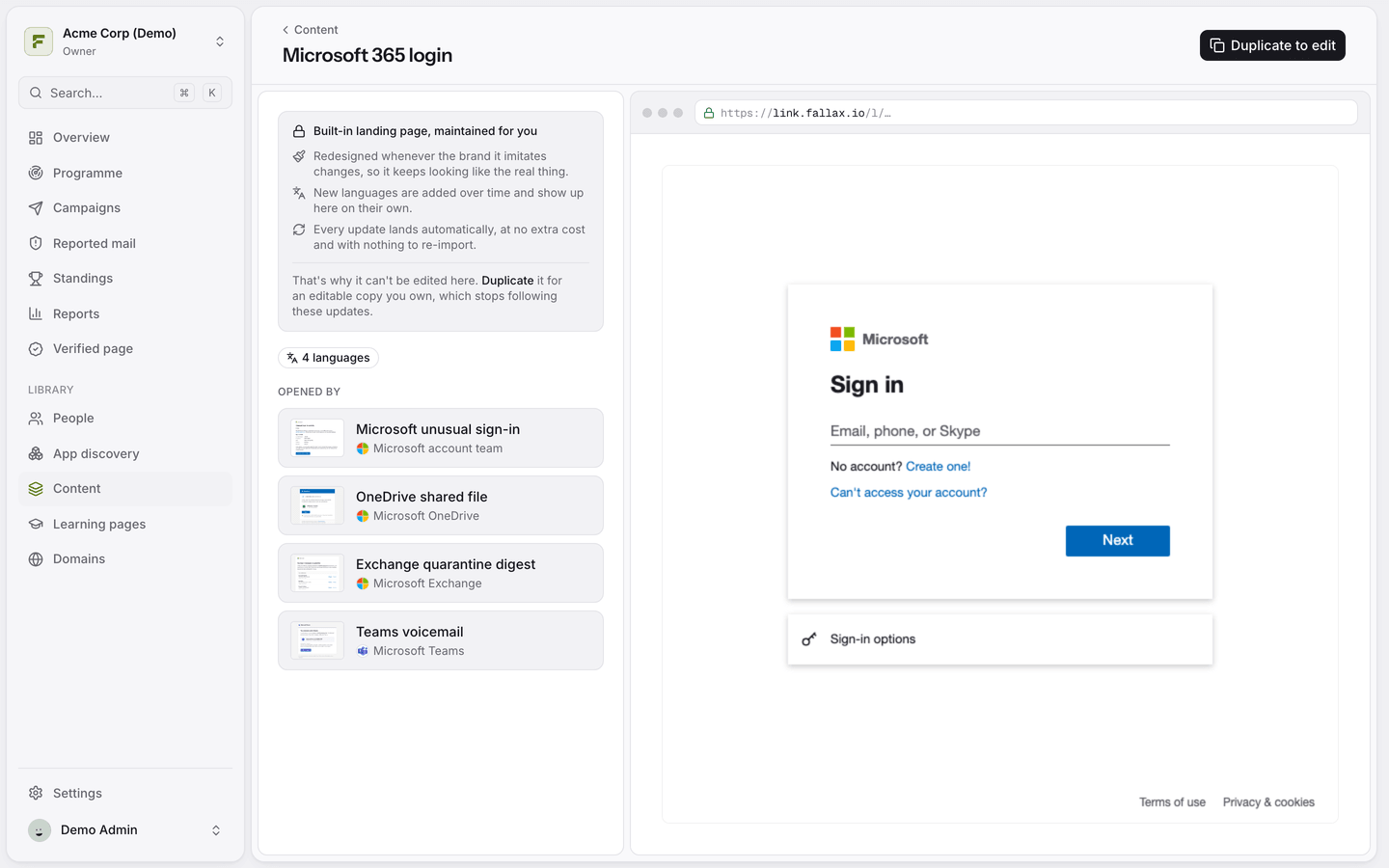
Safe by design
Landing pages cannot actually steal or store what someone types. Scripts are removed and the page is served with a policy that blocks them. When someone submits the form, Fallax records only which fields they filled in, never the values.
Create or edit a landing page
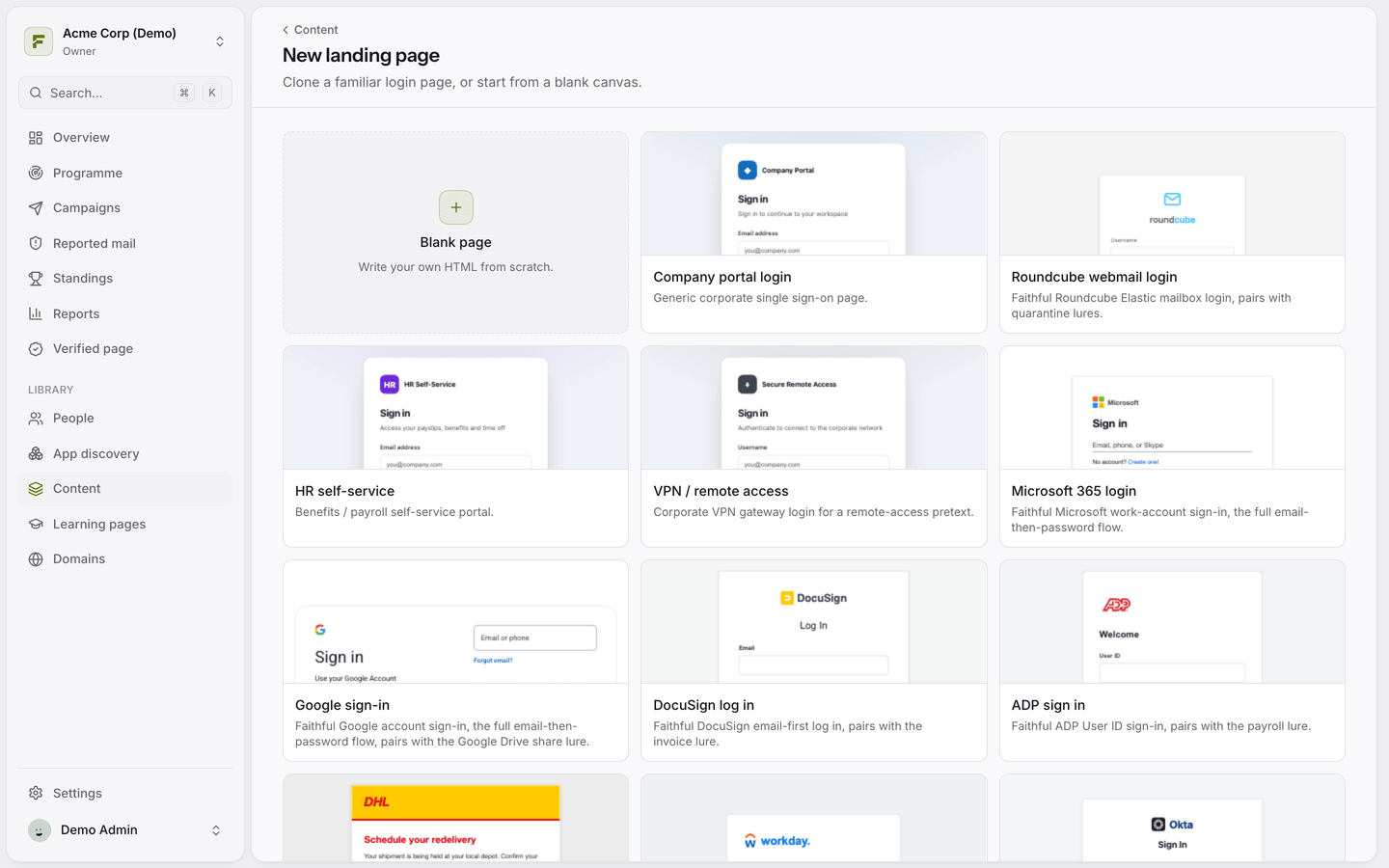
Open Content and click New landing page, or open an existing page and click Duplicate to edit.
Start from a ready-made design or a blank page, and edit the HTML.
Use
{{submit}}as the form'sactionso submissions are recorded.
Options
Awareness message: leave blank to show the learning page after a submission.
Redirect URL (optional): send people somewhere else after they submit, for example your intranet.
Brand: groups the page with matching emails.
No landing page
A campaign can skip the landing page. A click then goes straight to the learning page. If you delete a landing page, campaigns that used it fall back to the default teaching page.
Was this helpful?
Still need help? Ask the team