What employees see after they click
The landing page, the lesson, and what is and is not recorded.
Written By Ignace
Last updated 21 days ago
Here is what happens on the employee's side when they fall for a simulation.
1. The landing page
The link opens a page that looks like the real thing, for example a Microsoft sign-in page. It appears in the same language as the email.
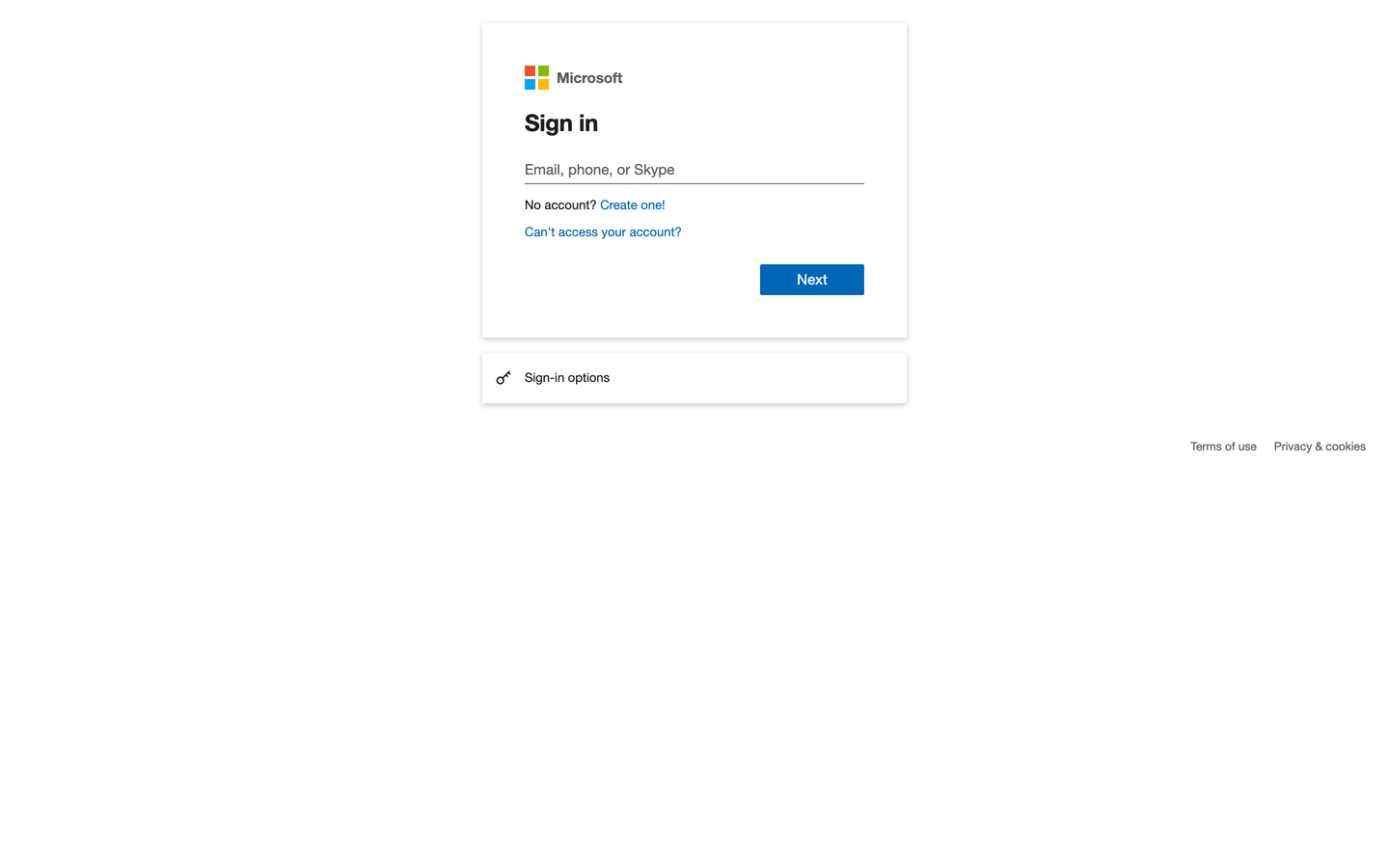
If they type something and submit, Fallax records that they submitted and which fields they filled in. The values themselves are never stored.
2. The lesson
Straight after the click, or after submitting, they land on the learning page. It explains that this was a test by their own security team, that nothing was stolen and that it is not held against them, and then shows what to look for next time.
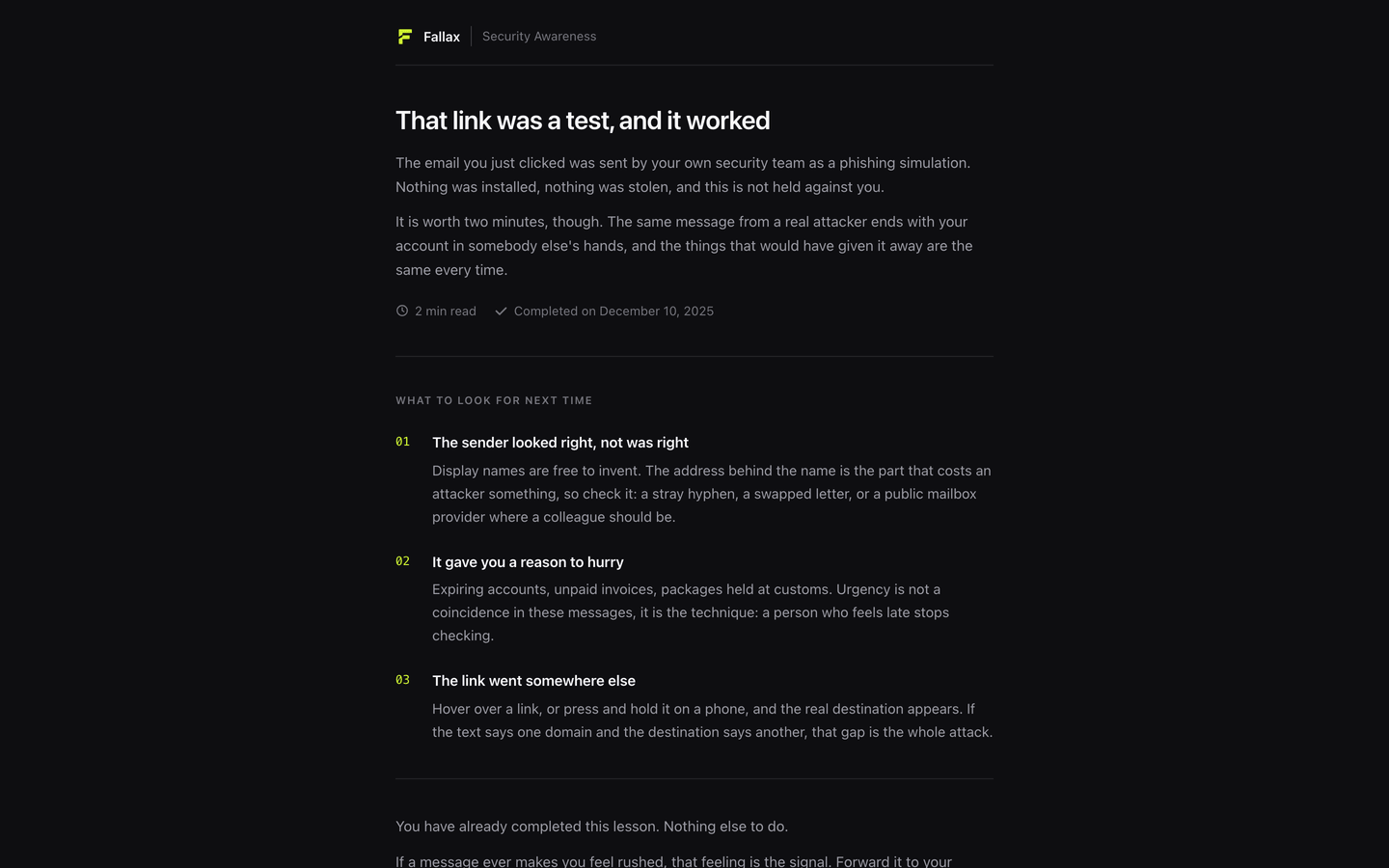
If the lesson has a quiz, they complete it by reaching the pass mark. Otherwise they complete it by acknowledging it.
Good to know
Employees never need an account or a password to see the lesson.
Each link belongs to one person. That is how Fallax knows who clicked.
Old or unknown links show a plain page saying the link has expired.
If you set a Redirect URL on the landing page, people go there after submitting instead of the lesson.
Was this helpful?
Still need help? Ask the team