Create and launch a campaign
Pick who to test, what to send, what happens after the click, and when.
Written By Ignace
Last updated 21 days ago
A campaign sends one phishing simulation to an audience and tracks what happens. Open Campaigns and click New campaign. The composer has five steps, and your draft is saved as you go.
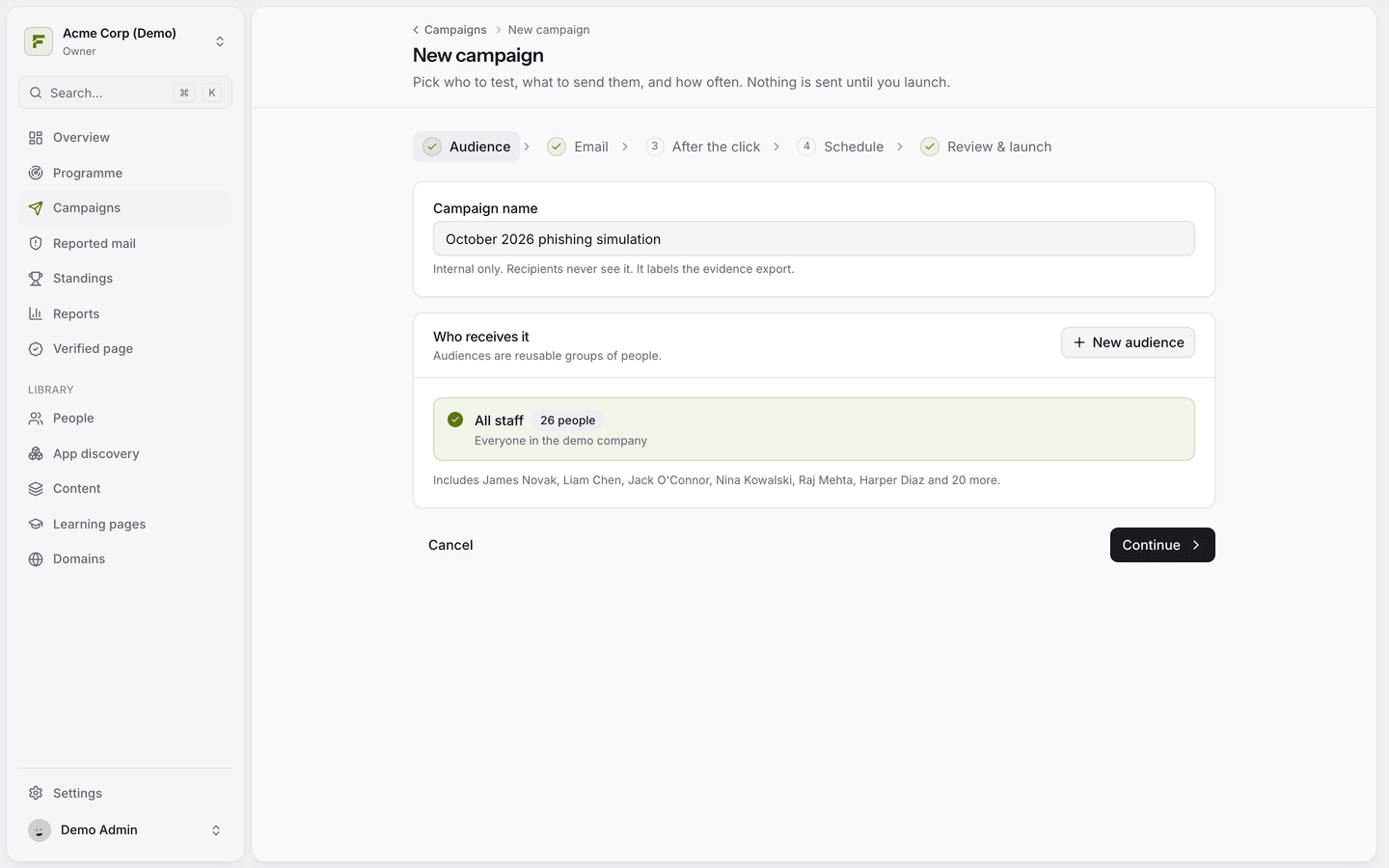
1. Audience
Give the campaign a name. Only you and your colleagues see it, and it labels the evidence export. Then choose who receives it. You can create a new audience from here.
2. Email
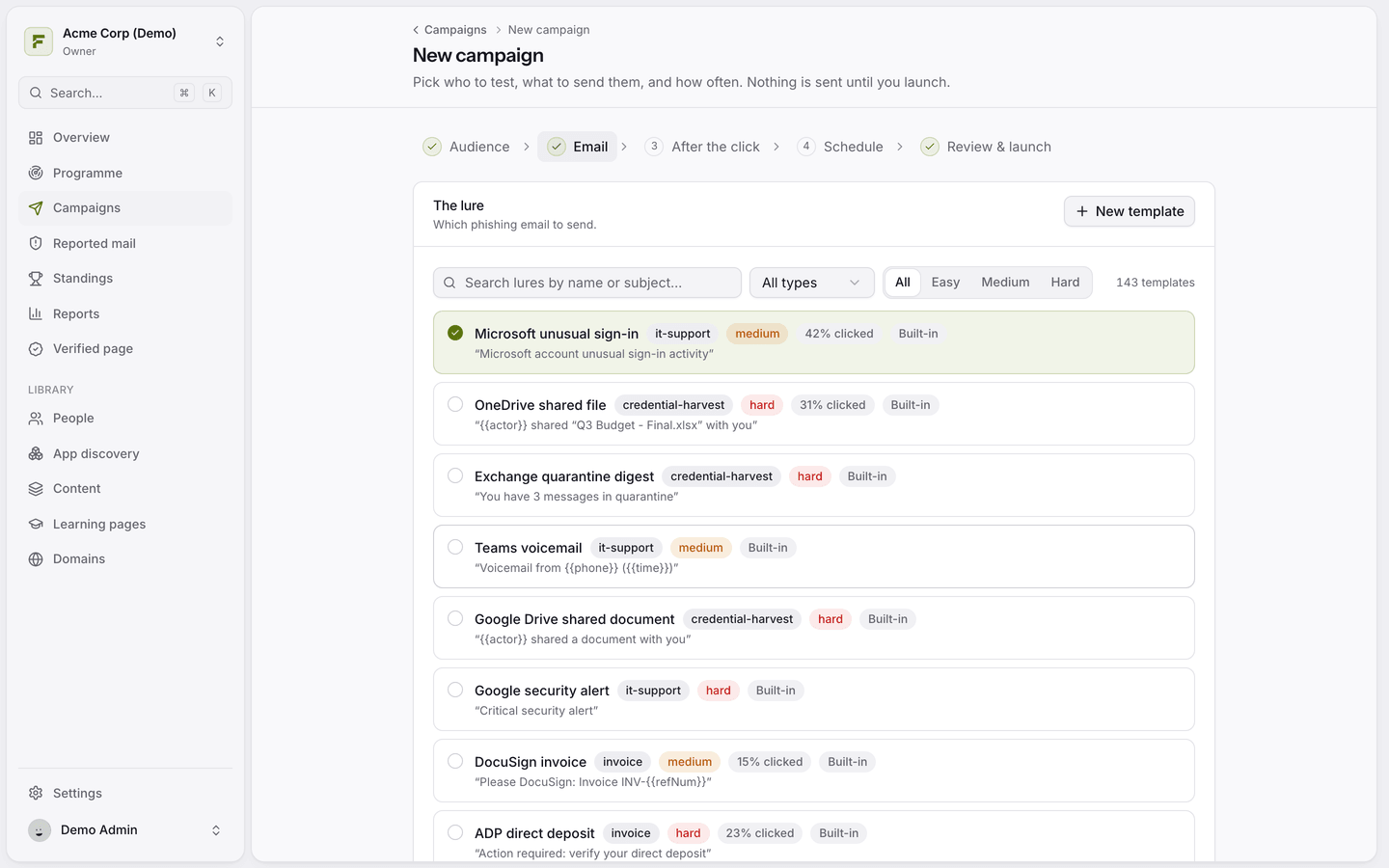
Pick the lure. Filter by type and difficulty, or search. Each lure shows its category, difficulty and how often it was clicked before.
Sender domain: who the email appears to come from. Any domain works, see Choose the sender address.
Link host: shown if you added a custom link domain.
Track email opens and Track link clicks: open tracking uses an invisible image, so opens are usually under-reported.
3. After the click
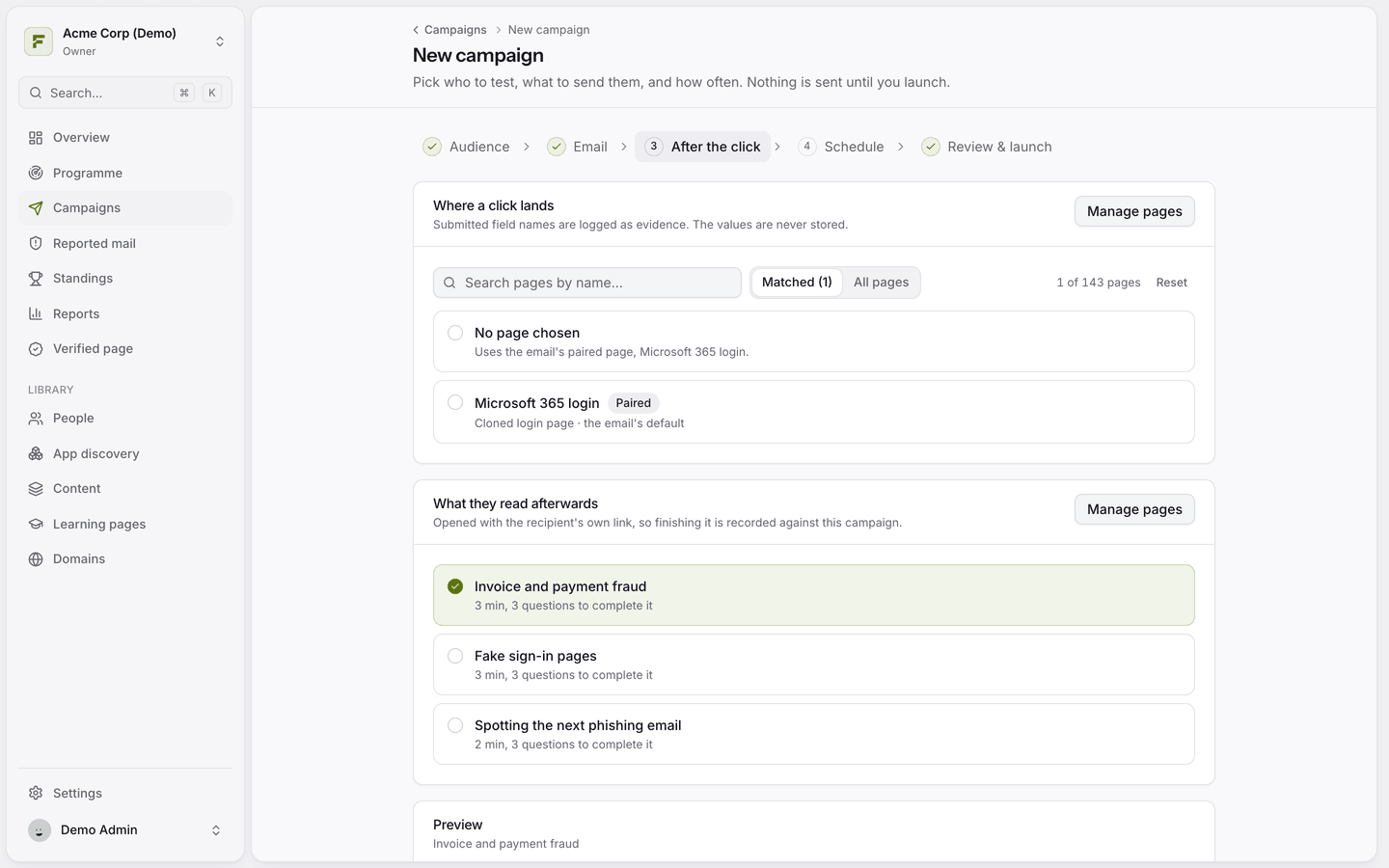
Where a click lands: a landing page, or No page chosen to use the email's paired page.
What they read afterwards: the learning page. Every campaign teaches something, so there is no option to skip it.
4. Schedule
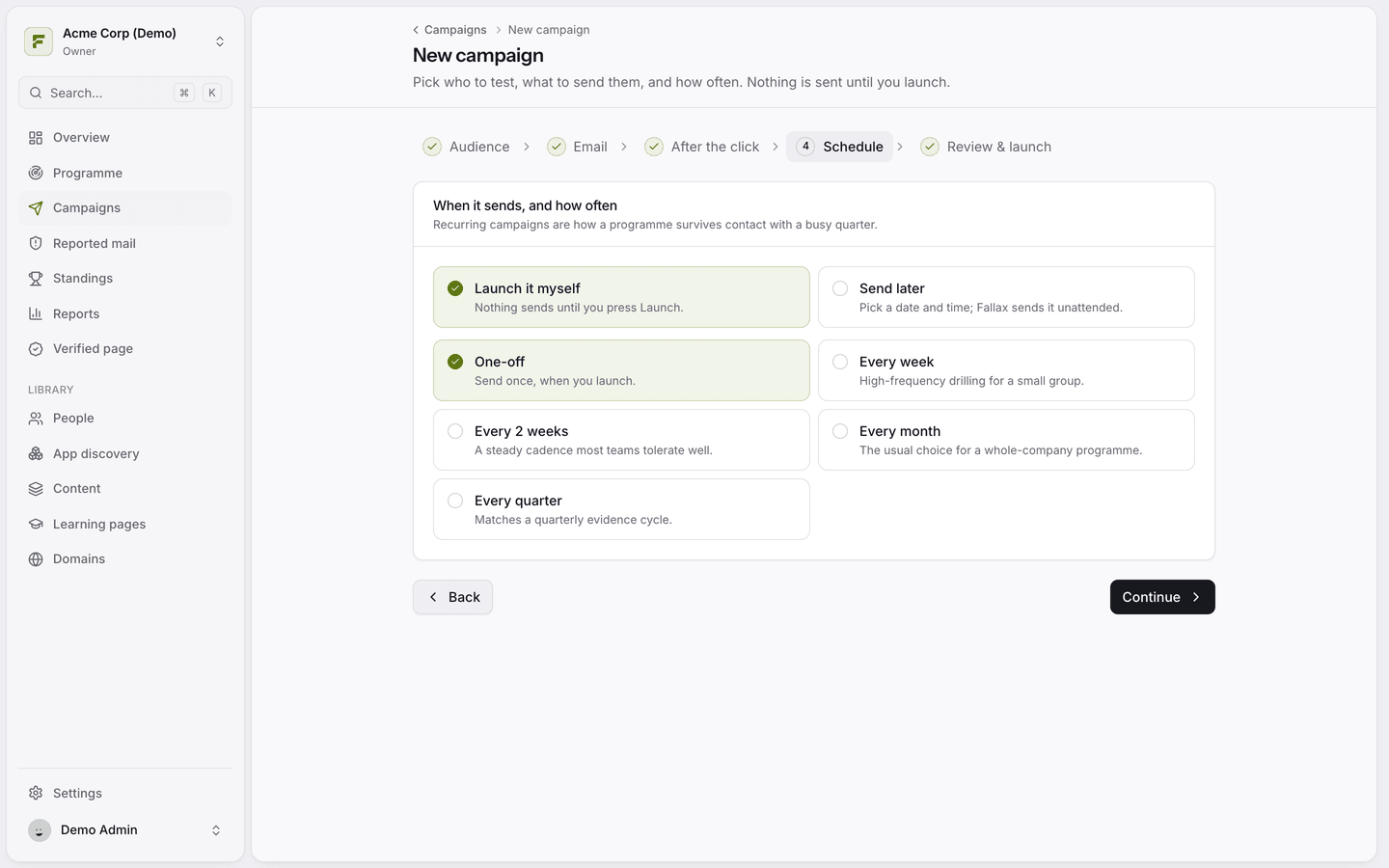
Launch it myself or Send later at a date and time you choose.
One-off, or repeat every week, every 2 weeks, every month or every quarter. A recurring campaign re-sends to the audience until you mark it complete, and each round is reported separately.
5. Review & launch
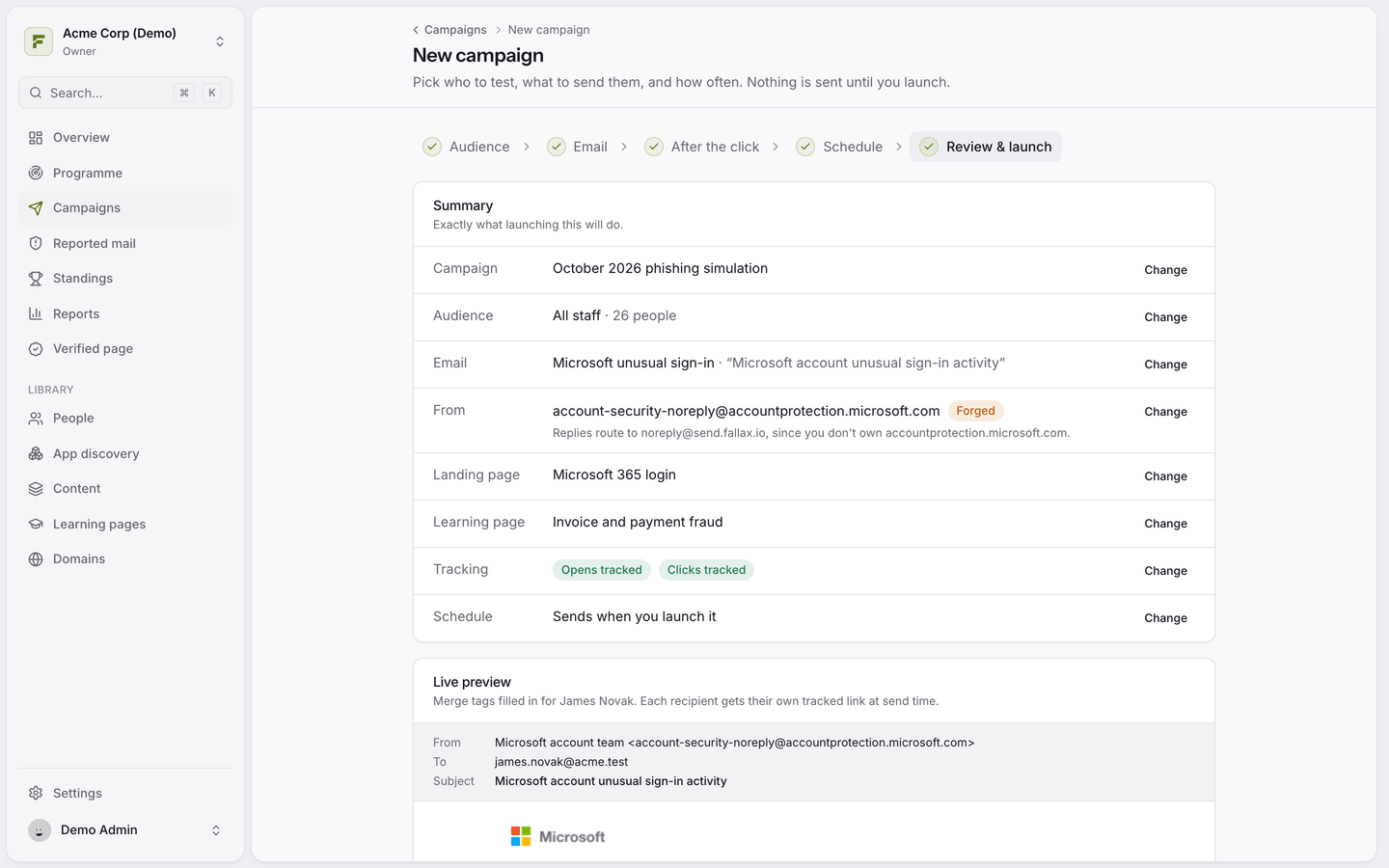
Check the summary and the Live preview, which shows the email with merge tags filled in for a real person. Fallax warns you if the audience is empty or if some people are on domains you have not verified. Then click launch and confirm.
How sending works
A campaign sends to everyone in the audience as soon as it launches, one message after another. To spread simulations over days and weeks, use the Programme.
Only active people on verified domains are mailed. Others are recorded as skipped.
You can also click Save as draft and launch later.
Was this helpful?
Still need help? Ask the team