Group people into audiences
Reusable groups of people that you target with a campaign.
Written By Ignace
Last updated 21 days ago
An audience is a reusable group of people, such as Finance or New joiners. Campaigns are sent to an audience, and the Programme can be limited to one.
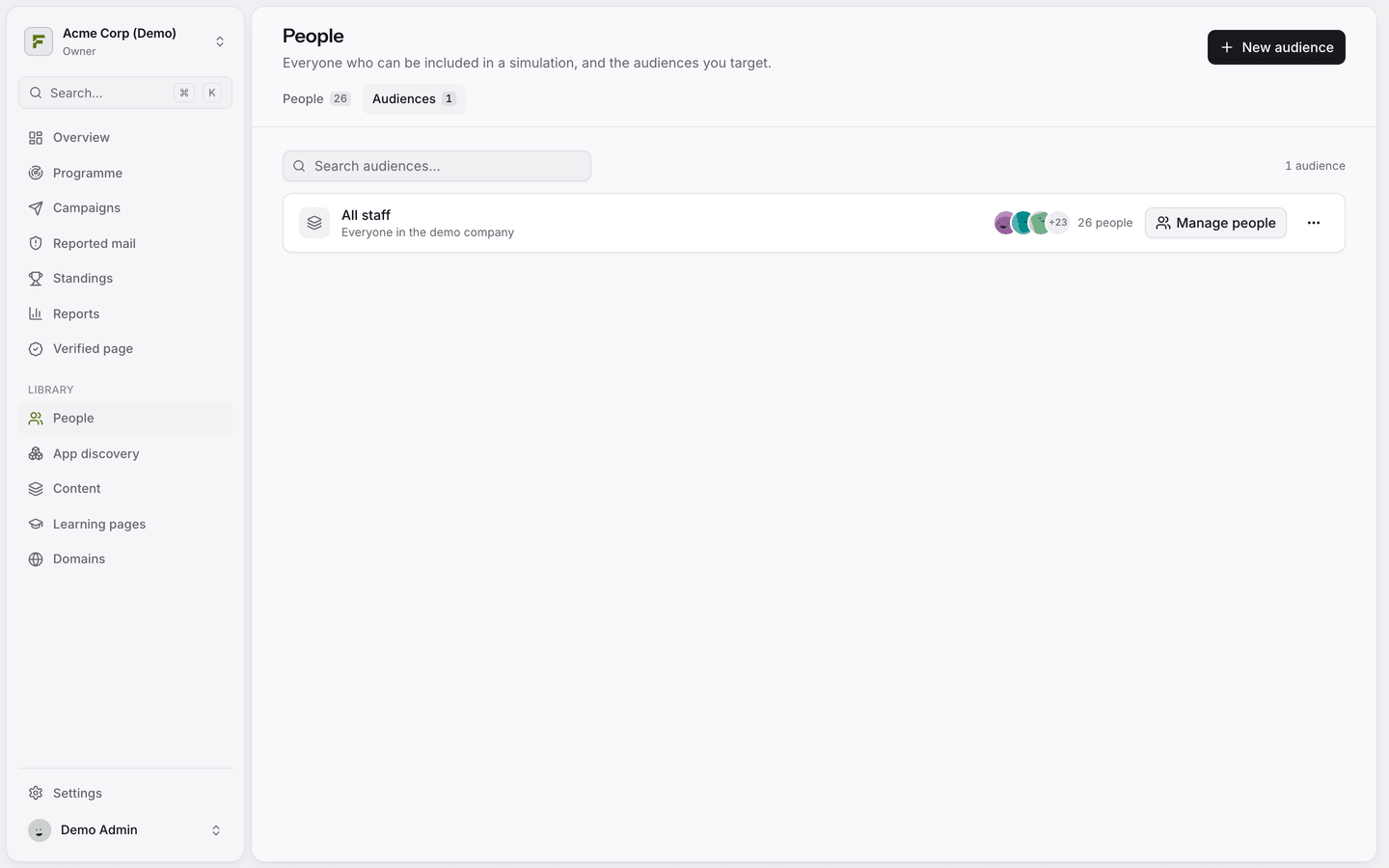
Create an audience
Open People and switch to the Audiences tab.
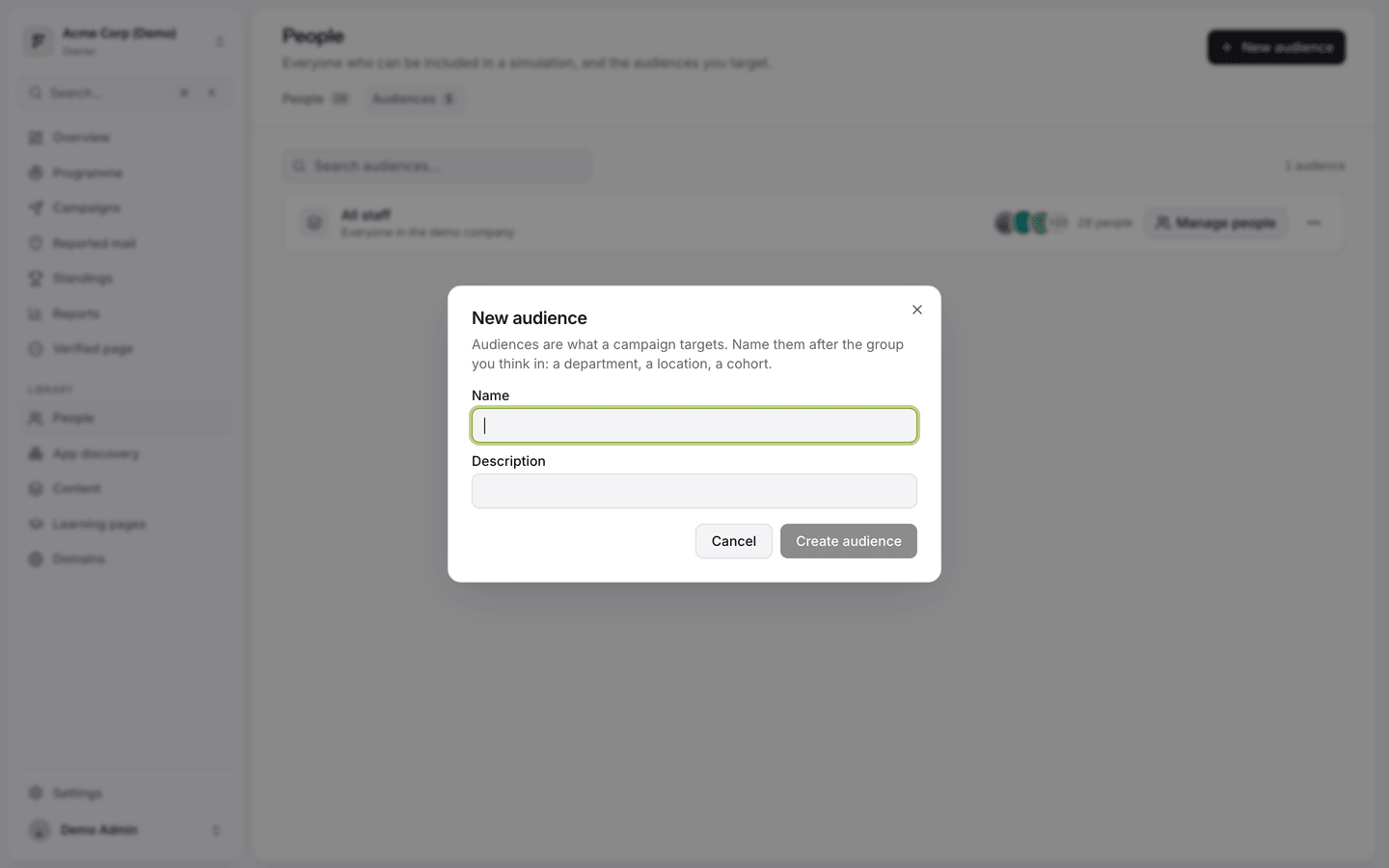
Click New audience, give it a name and an optional description.
Go back to the People tab, tick the people you want, and choose Add to audience from the bar that appears.
You can also create an audience on the fly while setting up a campaign.
Audiences from your directory
When you sync only certain groups, each group becomes an audience whose members follow the directory. When you tick Create an audience per department, you get one per department. These update on every sync, so you do not need to maintain them by hand.
The test audience
Every workspace starts with Just me (test run), which contains only the person who created the workspace. Use it to preview a campaign in your own inbox before sending it to anyone else.
Deleting an audience
Deleting an audience removes the group, not the people in it.
Was this helpful?
Still need help? Ask the team