Publish your Verified page
A public page and badge that prove you run awareness training.
Written By Ignace
Last updated 21 days ago
Security questionnaires almost always ask whether you run awareness training and phishing simulations. The Verified page lets you answer with a link instead of screenshots.
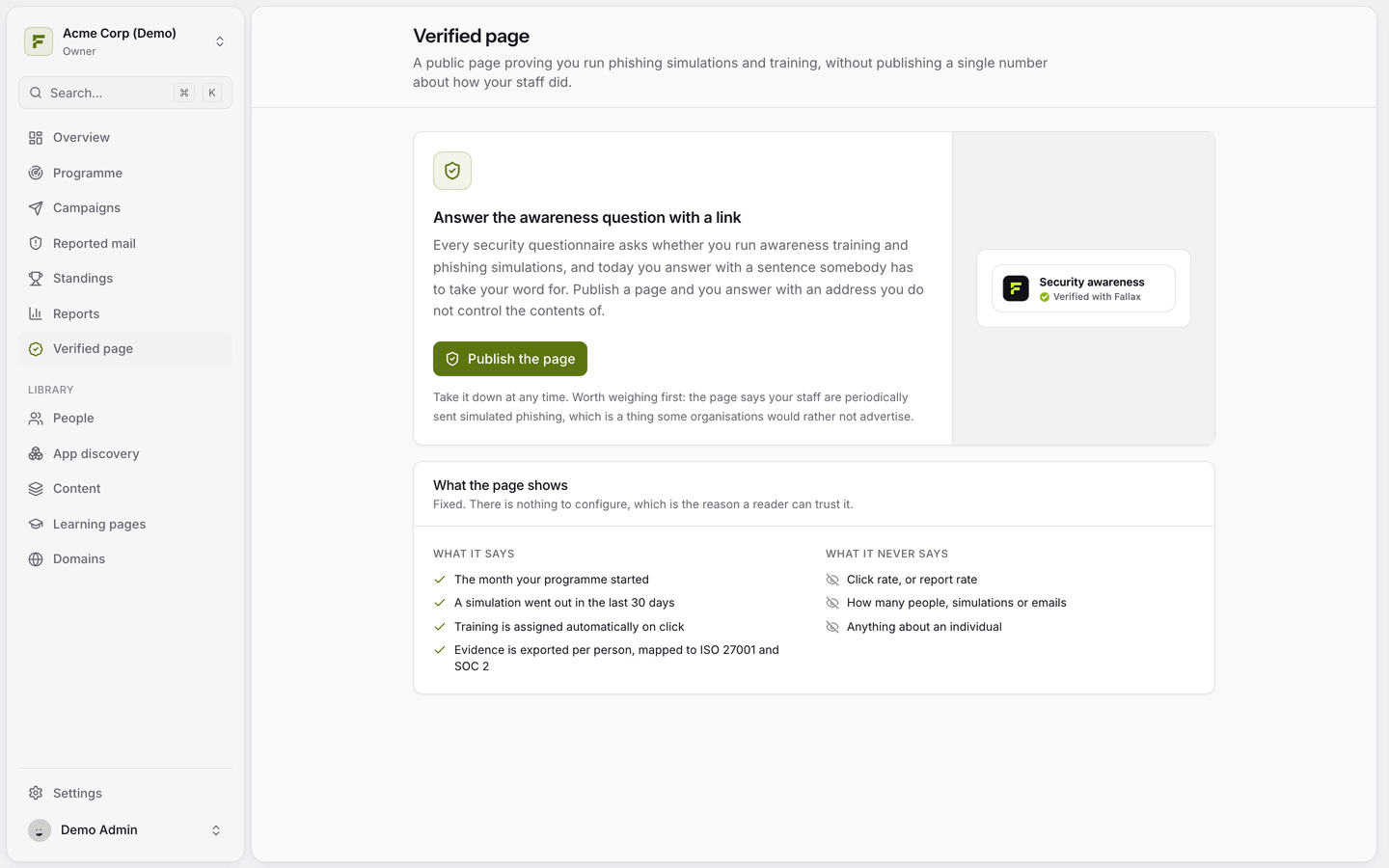
What the page says
The month your programme started.
That a simulation went out in the last 30 days.
That training is assigned automatically on a click.
That evidence is exported per person, mapped to ISO 27001 and SOC 2.
What it never says
Click or report rates, how many people or simulations, and anything about an individual.
Publish it
Open Verified page.
Click Publish the page. Only owners and admins can do this.
Share the link, or embed the badge on your website or trust centre.
The page only stays valid while you keep testing. If no simulation goes out for 30 days, it lapses on its own. Click Take it down at any time to remove it.
Worth weighing first: the page tells the world your staff receive simulated phishing. Some organisations prefer not to advertise that.
Was this helpful?
Still need help? Ask the team