Send evidence to Vanta, Drata, Secureframe or Sprinto
File simulation and training evidence in your compliance platform automatically.
Written By Ignace
Last updated 21 days ago
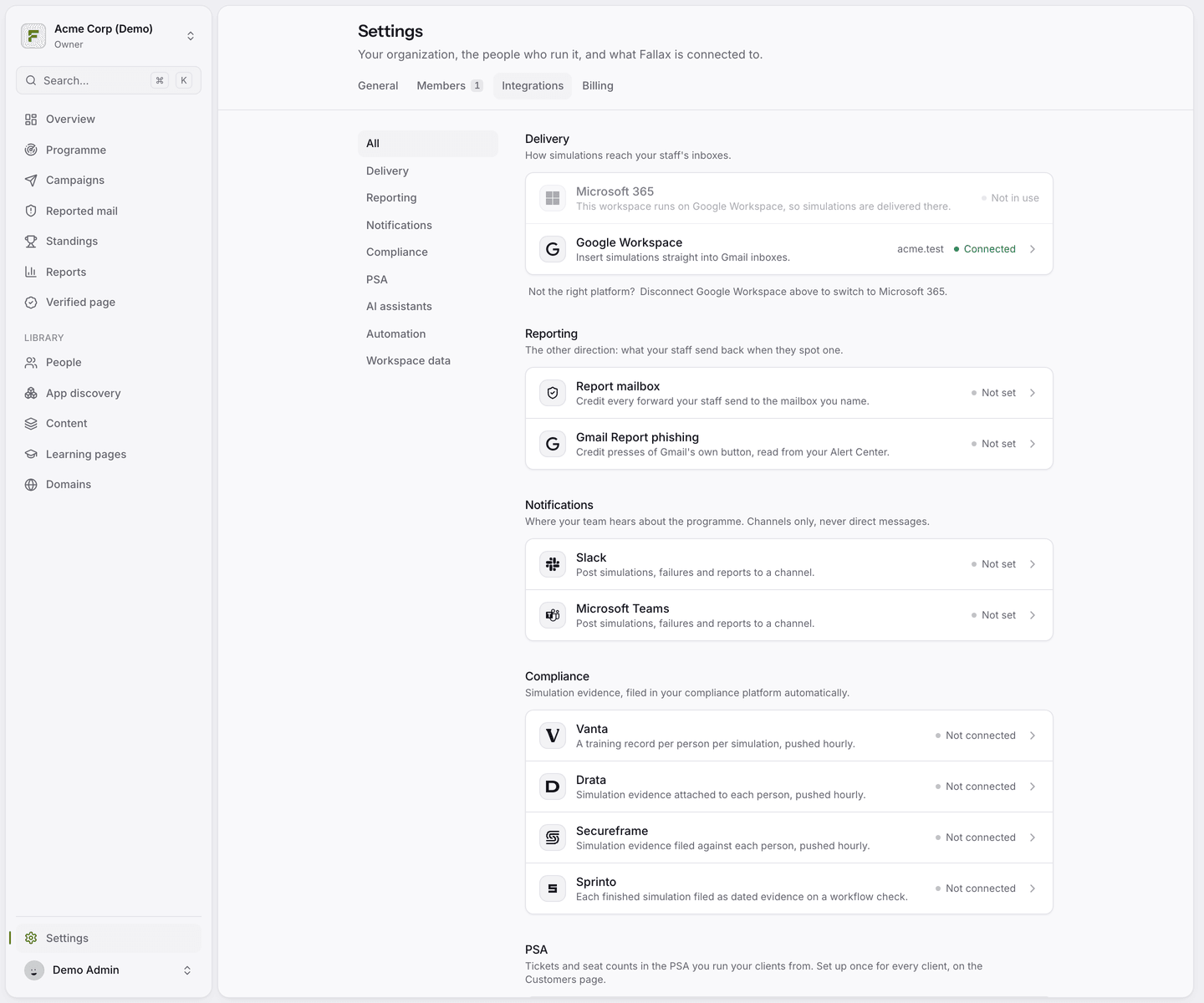
Fallax can file awareness-training evidence in your compliance platform, so the control stays green and nobody collects screenshots at audit time. Find them under Settings → Integrations → Compliance.
Vanta
Fallax pushes one training record per person per simulation into Vanta every hour. Anyone a simulation reached counts as complete. Anyone it did not reach stays incomplete. Vanta's built-in security awareness tests read these records.
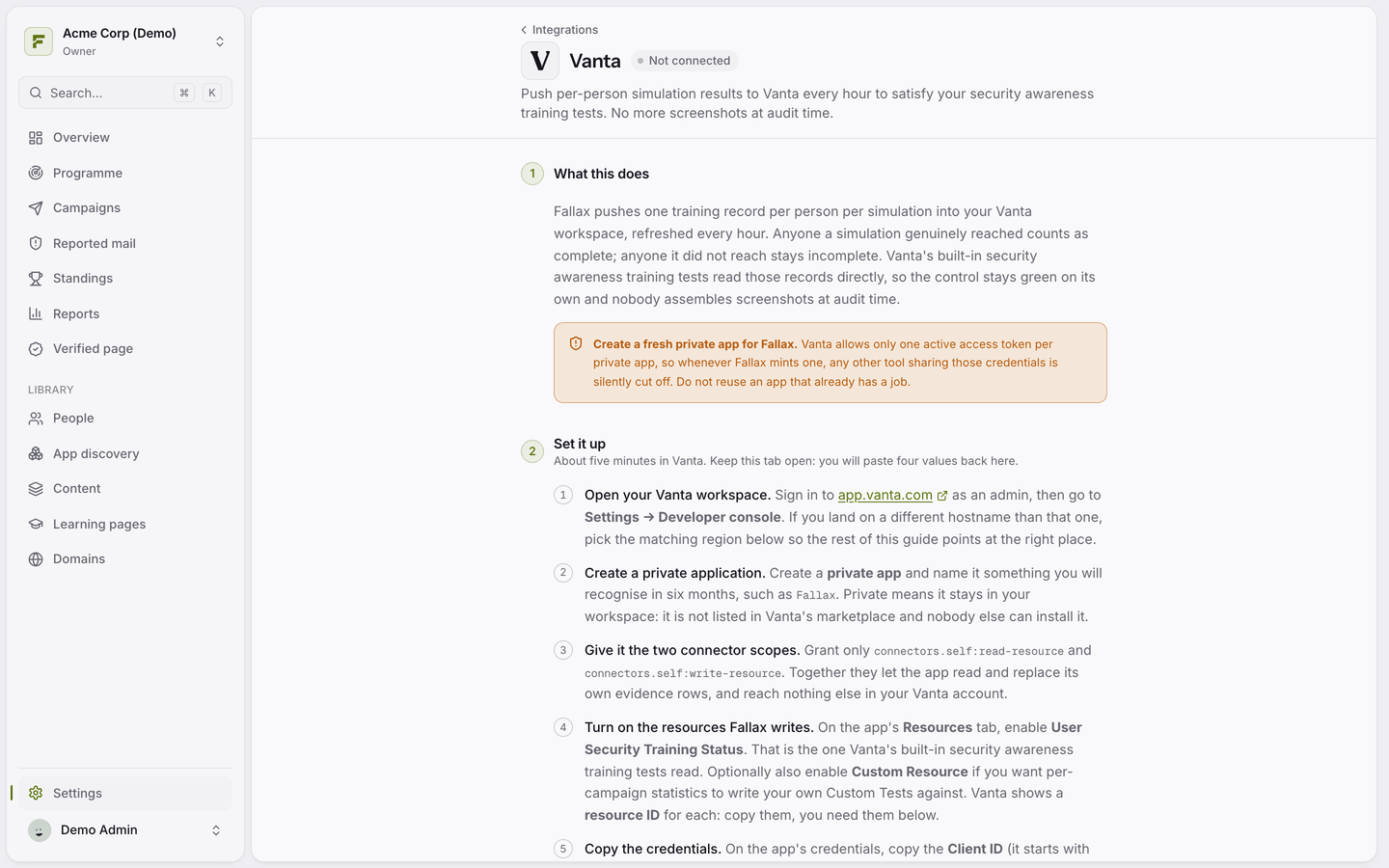
In Vanta, go to Settings → Developer console and create a new private app just for Fallax.
Give it the two connector scopes shown in Fallax, and on the Resources tab enable User Security Training Status.
Copy the client ID, client secret and resource ID into Fallax, and choose your frameworks.
Click Test, then Sync now.
Always create a fresh app for Fallax. Vanta allows only one active token per app, so sharing an app with another tool silently cuts one of them off.
Drata
Fallax uploads a dated PDF per person per exercise to their Drata personnel record, every hour. Create an API key in Drata with read access to Personnel and Users and permission to create user documents, then paste it into Fallax. People who are not in Drata yet are skipped and retried later.
Secureframe
Fallax files evidence documents per person. A Secureframe super admin creates an API key and secret. The key has the same role as the person who created it.
Sprinto
Each finished simulation is filed as dated evidence on a Sprinto workflow check.
What counts as trained
Only people a simulation actually reached count. People who were skipped, for example on an unverified domain, never count as trained.
Was this helpful?
Still need help? Ask the team