Learning pages
The short lesson people read the moment a simulation catches them.
Written By Ignace
Last updated 21 days ago
A learning page is a short lesson that opens right after someone clicks a simulation or submits a landing page. It turns a mistake into a teaching moment while it still feels real. Completing it counts as training in your reports.
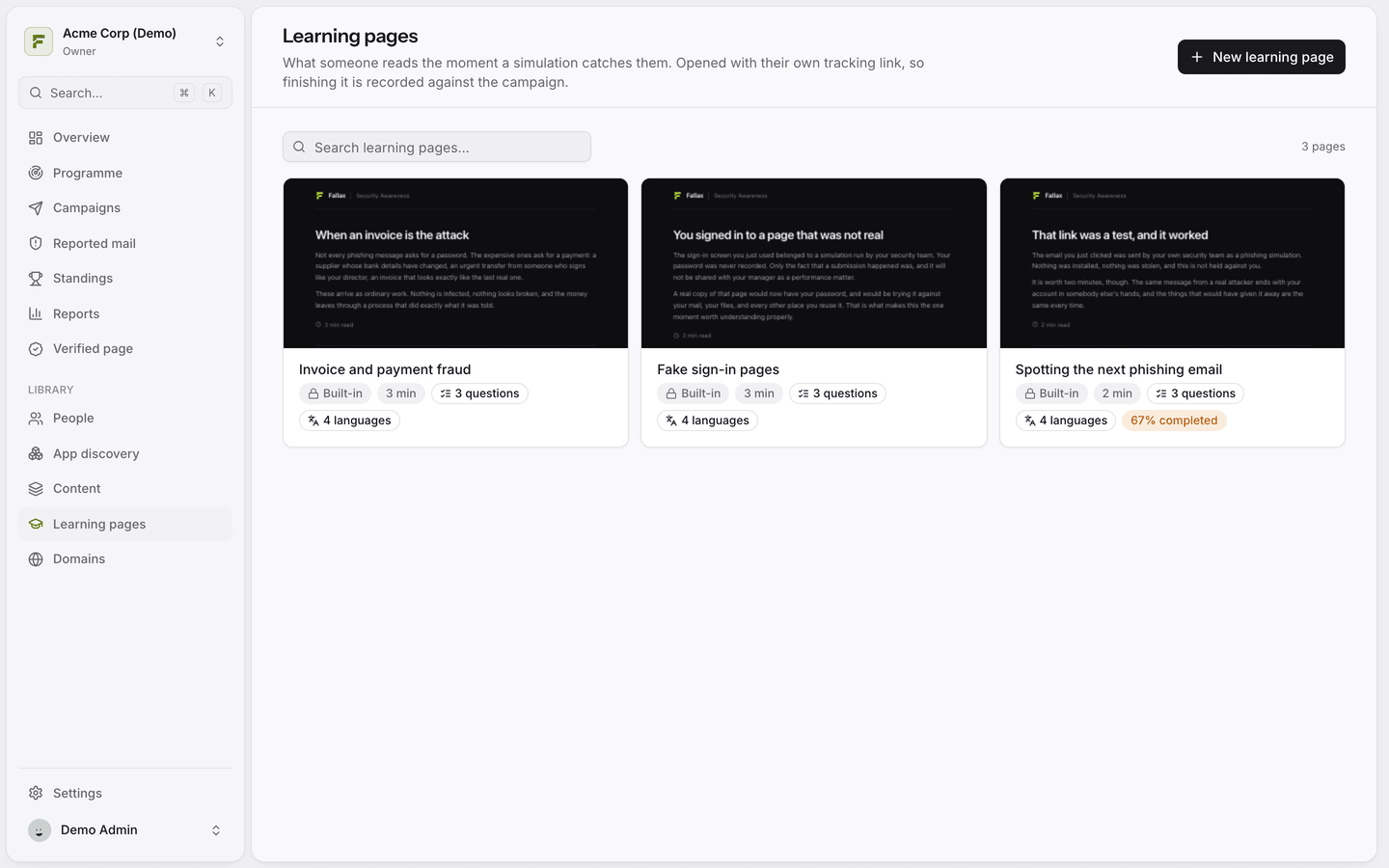
Built-in lessons
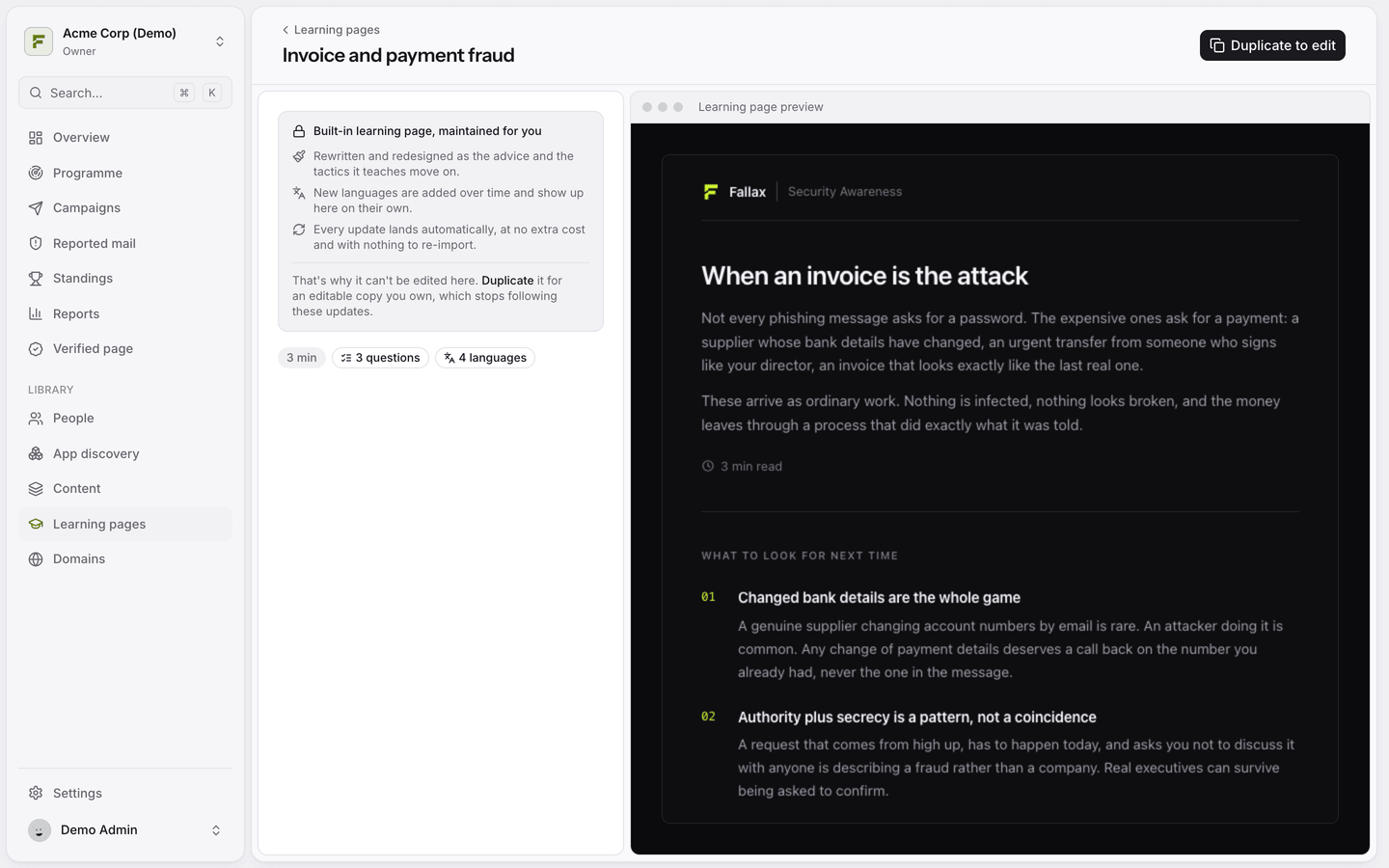
Fallax ships ready-made lessons, such as Spotting the next phishing email, Fake sign-in pages and Invoice and payment fraud. They are maintained for you and available in several languages. If you have not created any of your own, campaigns use the built-in lesson.
Write your own
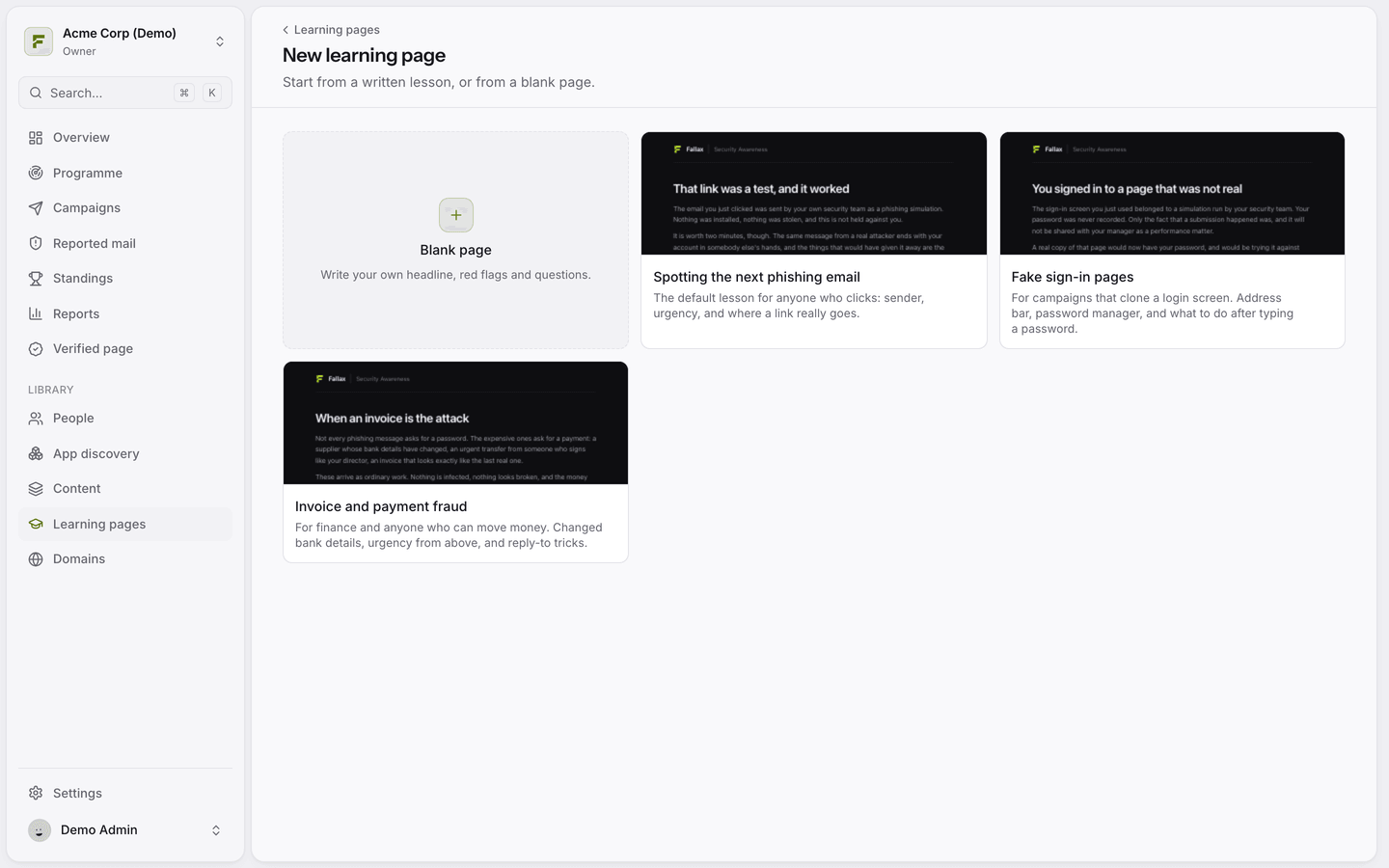
Open Learning pages and click New learning page.
Start from a written lesson or a blank page.
Fill in the sections described below.
Headline and Opening: what happened and why it matters.
What to look for: red-flag cards. Click Add a red flag for each one.
Quick check: an optional quiz. Click Add a question and mark the right answer. You can add an explanation.
Closing line, Reading time and Pass mark (100% by default).
When does a lesson count as completed?
With a quiz, the person completes the lesson by reaching the pass mark. They can retake it. Without a quiz, they complete it by acknowledging that they read it. Opening and completing are tracked separately, so your reports show both.
Was this helpful?
Still need help? Ask the team